To access your profile settings, navigate to:
Settings → Account
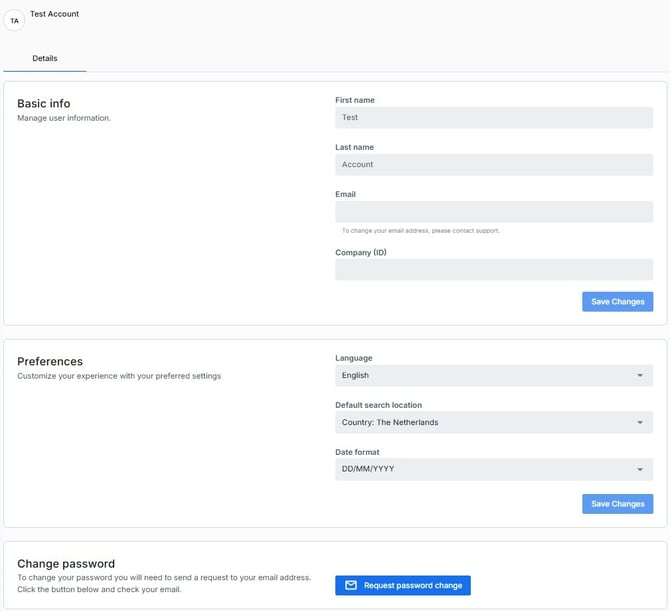
Basic Information
The Account page displays your personal information, including:
-
Name
-
Email address
-
Company
Preferences
You can customize several personal preferences:
-
Language
-
Default search location
-
Date format
These settings affect how information is displayed throughout the platform.
Change Password
You can update your account password at any time from the Account page.
For security reasons, choose a strong password and avoid reusing passwords from other services.